Order Items Comments for Magento 2
Pay attention on what customer says
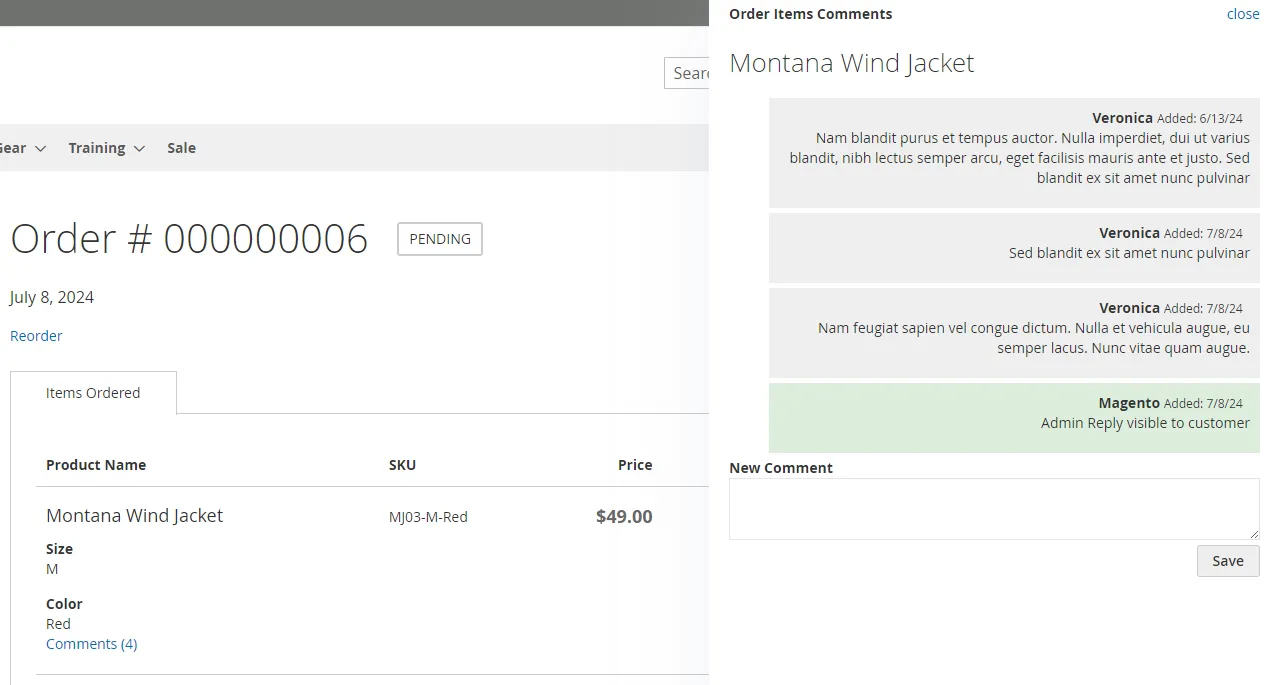
Organize communication on per-product level in order
The problem
Magento 2 leaves this to custom code: pay attention on what customer says. The extension exists because store teams kept asking for it.
What it does
- 1
Product Level Comments
Organize communication on per-product level in order
- 2
Stay and Keep in the loop
Get and send notifications on new product comment posted by your customers
- 3
Control
View and add notes to client order from the admin interface
Walkthrough
Screenshots
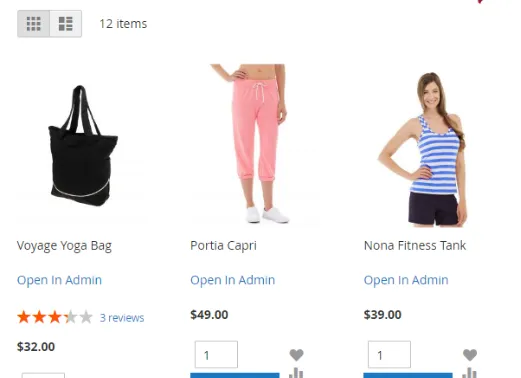
Order Items Comments
Add Comment to item in cart
Let customers specify custom notes or wishes to product
Notes can be added by your customer at cart overview step
Customer Order View
Continue communication after placement of an order
Customers can add notes to order after placement from the Customer Account
Manage notes in order view
Add, Edit, Delete notes in order view in admin section
Select note to be visible to customer, send client notification about added note
Keep in the loop
Send / Receive email notifications
If required, send notification to customer on adding note.
And you get notification about each comment posted by your client to item in order.
Related work
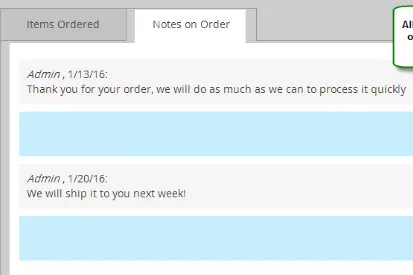
Notes On Orders For Magento 2
Let customers leave orders on their orders and receive your replies back via email and at order view page
- Sales & orders
- CRM & customers
- Email & SMS
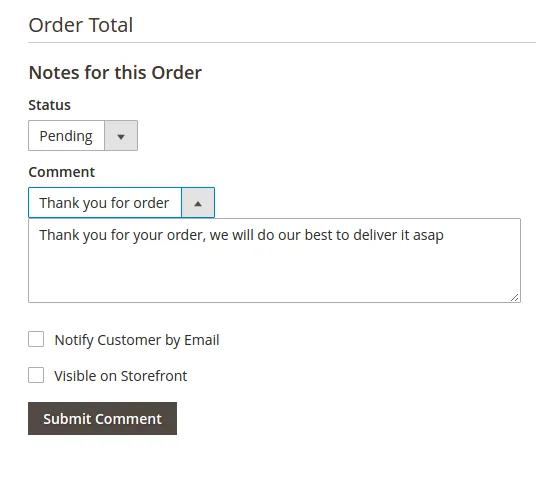
Sales Comments Templates for Magento 2
Use templated comments for orders processing
- Sales & orders
- CRM & customers
- Email & SMS
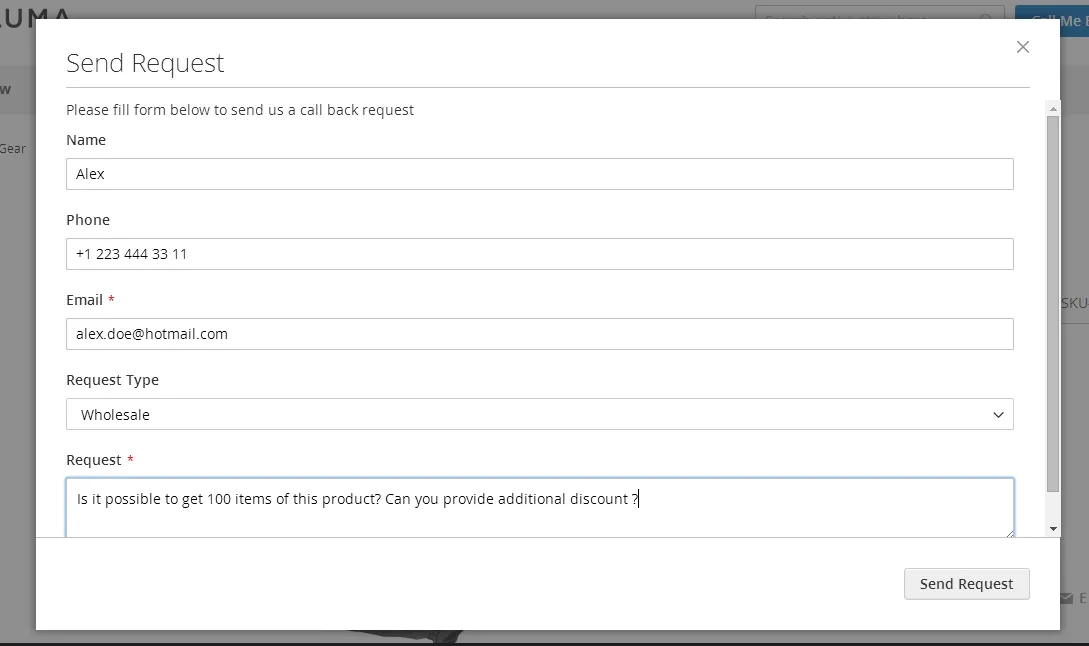
Call Me Back Form For Magento 2
Get “Call Me Back” requests from your customers to specified emails and process requests in administration area
- CRM & customers
- Email & SMS
- Admin & ops